Get started with your shop
From your first layout to publishing. Your guide to The BORING Shop.
You know Weeztix. Meet your new workspace.
The BORING Shop lets you decide how your tickets are presented. Organise your shop, add images and descriptions, and customise the presentation. BORING connects your Weeztix shop.
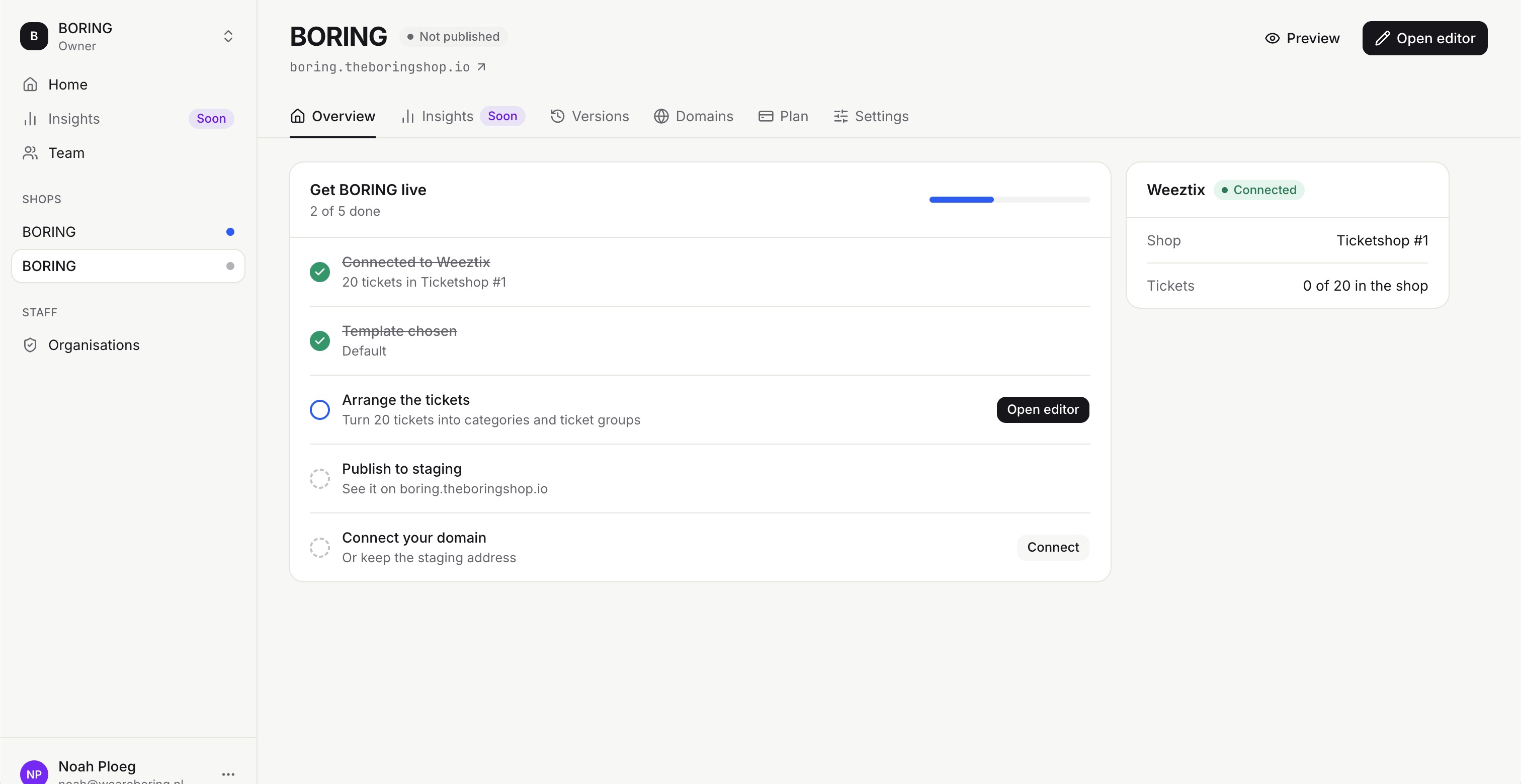
Your first shop in four steps
- Open your shop in the dashboard and click Open editor.
- Choose Arrange from Weeztix. We recommend selecting all tickets, then choosing Arrange tickets.
- Update groups, text and images.
- Check your shop and publish to Staging first.
Automatically saved, deliberately published
The editor saves changes automatically. Use Publish in the top right to choose when to publish them. Saving and publishing are separate steps.