Weeztix tickets
View your tickets and available filters.
The ticket panel
Click the ticket icon on the left. The panel has three filters: All, Not placed and Missing. All shows your Weeztix tickets. The counts next to the filters help you review your setup.
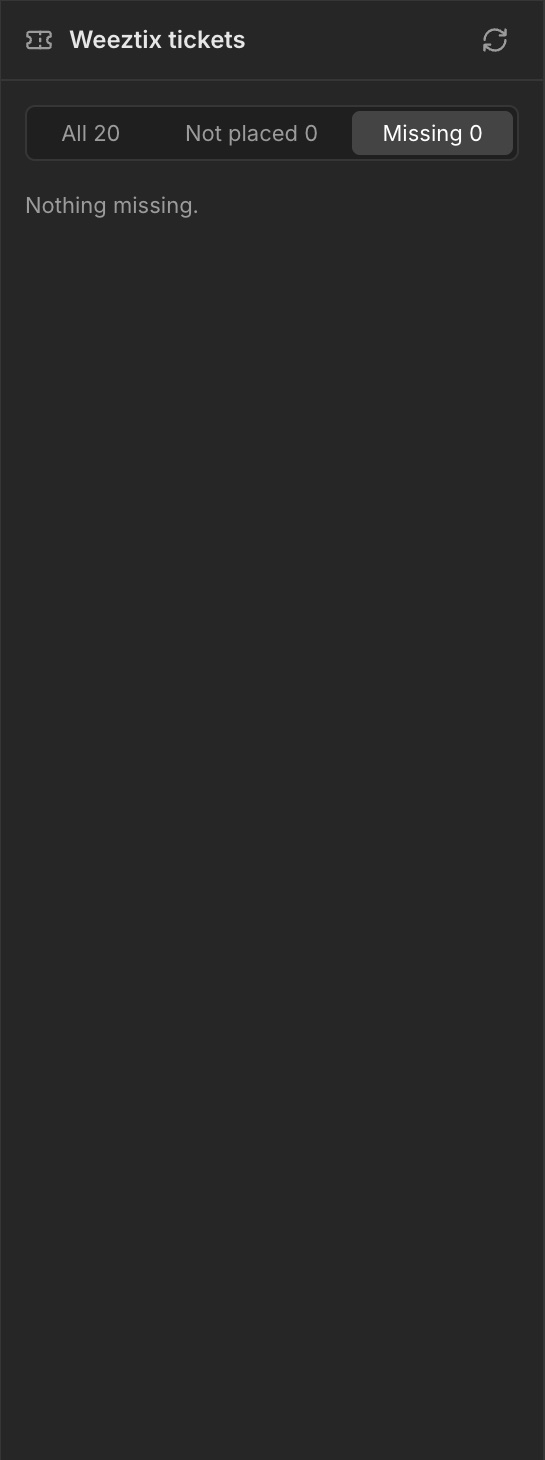
All, Not placed and Missing
All shows your Weeztix tickets. Not placed: the ticket exists in Weeztix but has not been placed in any ticket group in your design. Buyers will only see it after you place it. Missing: the ticket is in your design but no longer exists in Weeztix, for example because it was deleted or removed from the connected Weeztix shop. Buyers cannot see it. Remove it from your design or restore it in Weeztix.
Add a ticket to a ticket group
Select a Ticket group and open the Tickets tab on the right. Use Add a Weeztix ticket to add a ticket to it.