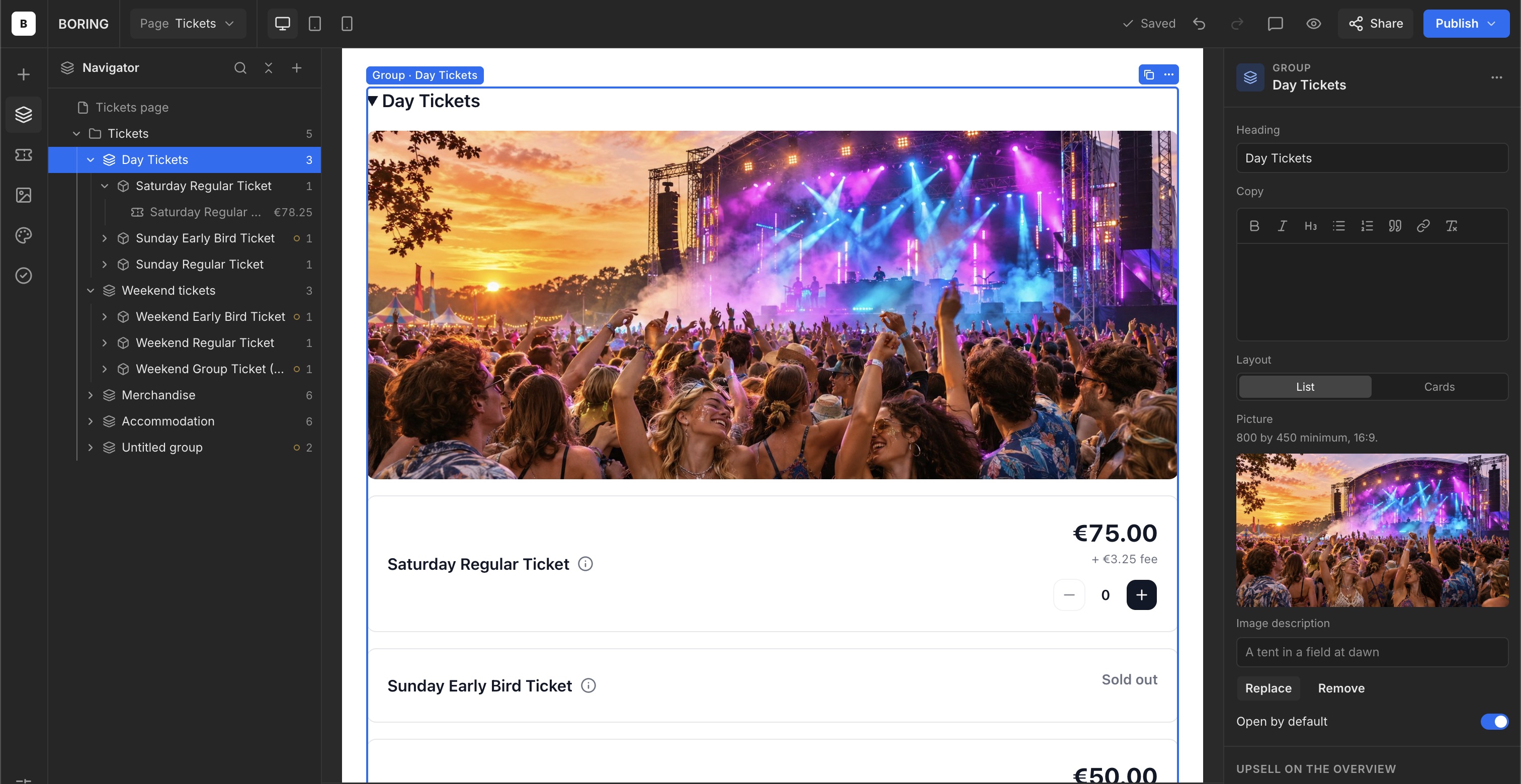
Add a group image
Give an entire group a recognisable image.
Add an image
- Select the Group.
- Under Picture, click Upload a picture.
- Add a 16:9 image of at least 800 × 450 pixels.
- Complete Image description.
- Check the result in your shop.
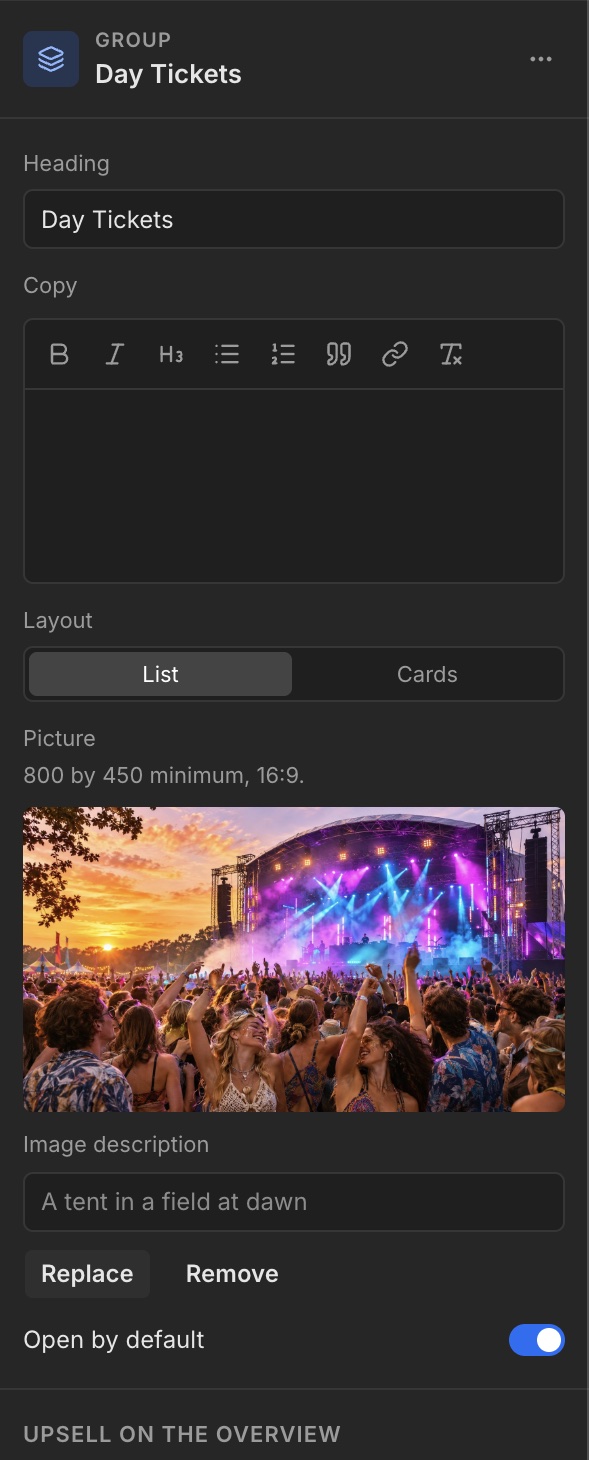
Replace or remove
A placed image has Replace and Remove controls. Use these to replace or remove the image from this element.