An individual ticket
Edit the presentation of a linked Weeztix ticket.
Ticket: the deepest layer
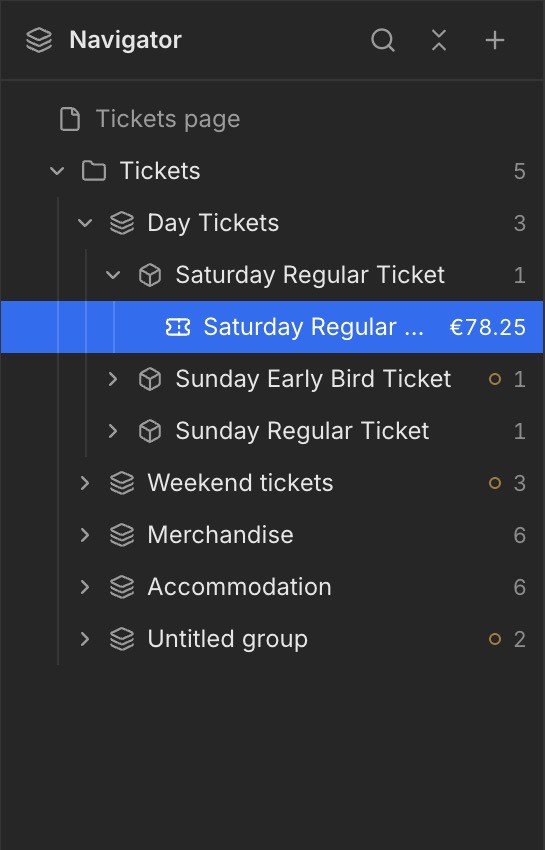
Expand a Ticket group and select the ticket beneath it. In this example, the individual Saturday Regular Ticket is highlighted in blue. This is the linked Weeztix ticket within the Ticket group.
Select the correct level
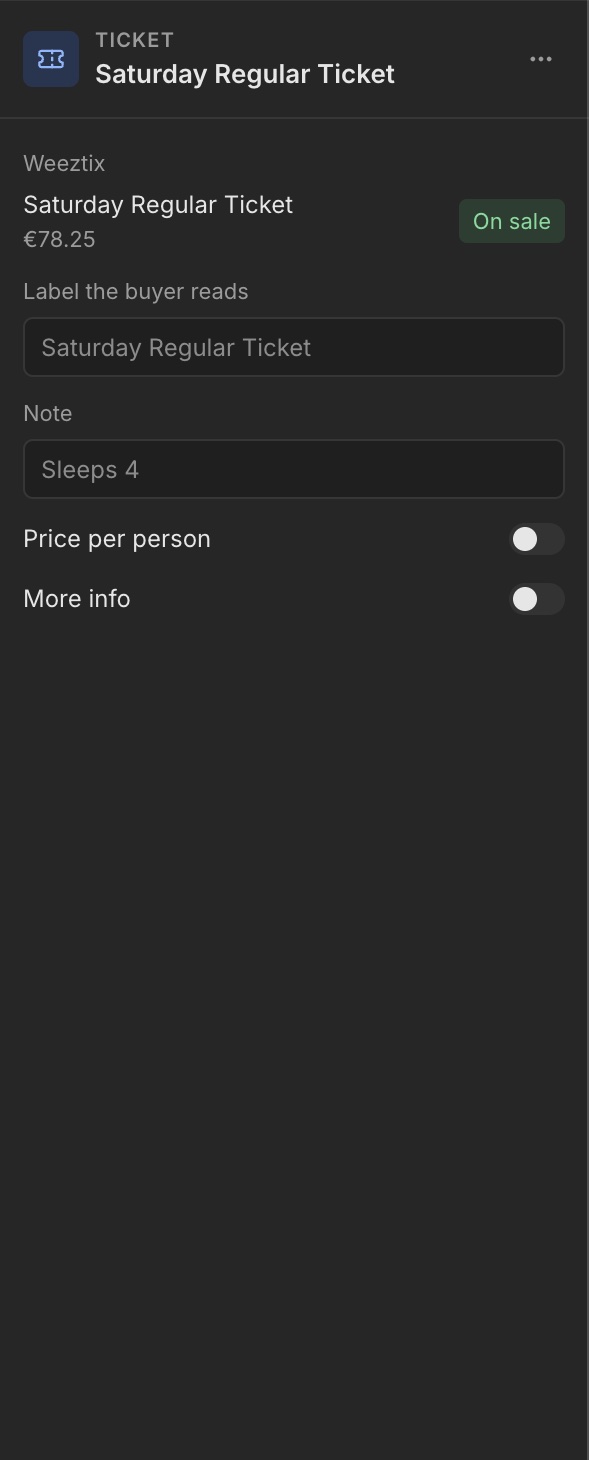
Expand the Ticket group in the Navigator and select the underlying ticket with the ticket icon. The right panel now says Ticket instead of Ticket group.
Label and note
Use Label the buyer reads to edit the text shown to the buyer. Add an explanation with Note. Price per person and More info are also shown as options. The linked Weeztix ticket and sales status appear at the top.