Pictures: your images
Upload and find images for your shop.
Upload images
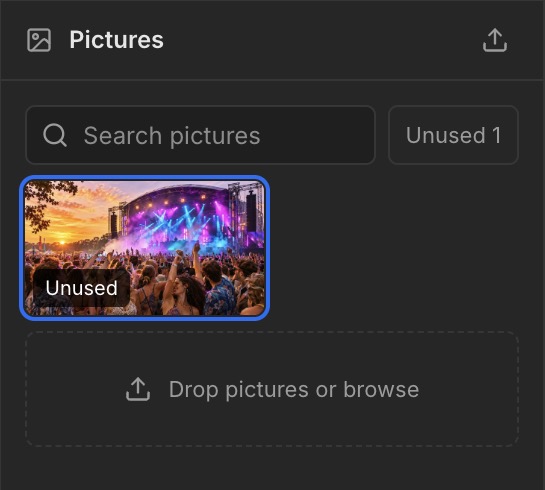
Open Pictures using the image icon on the left. Drag images onto Drop pictures or browse, or click to select a file. Search pictures lets you search your library.
Use images
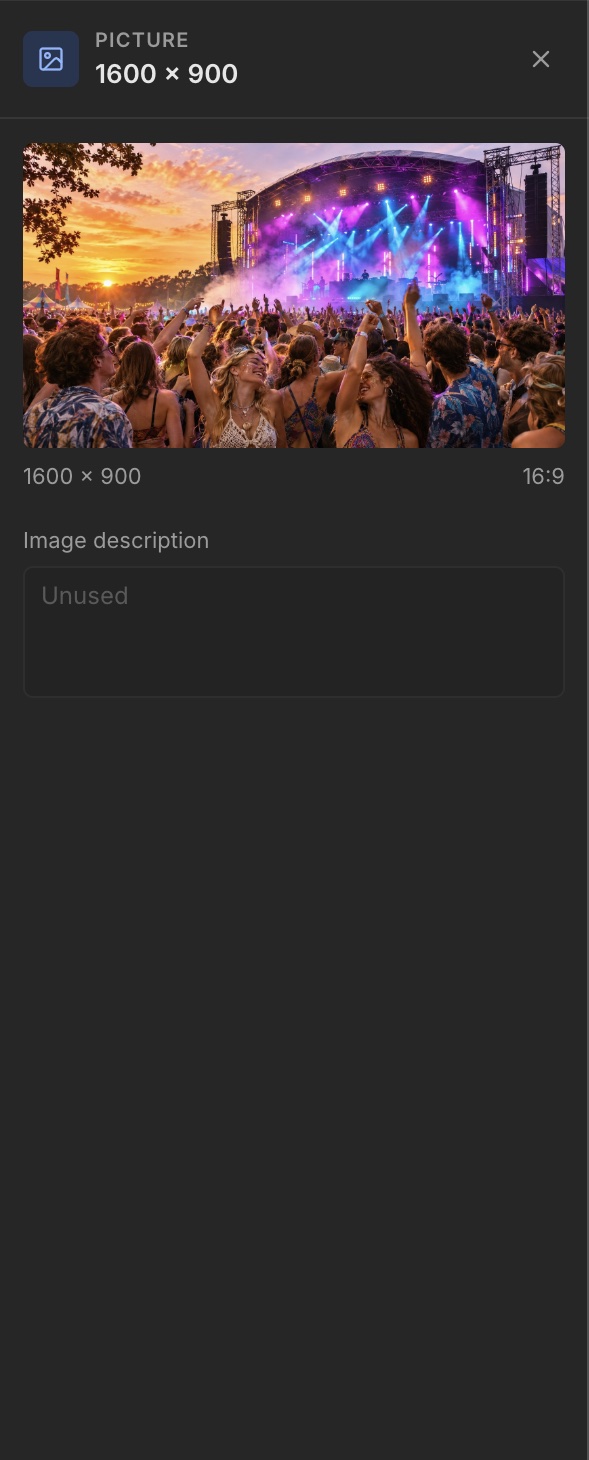
A Group or Ticket group has a Picture field on the right. Add the image for that element there. The editor specifies a minimum of 800 × 450 pixels and a 16:9 aspect ratio. Add a clear Image description as well.
Unused images
Use Unused to filter images that are not in use. Uploading an image does not automatically place it in your shop.