Group
Bring ticket groups together under one heading.
Recognise it in the Navigator
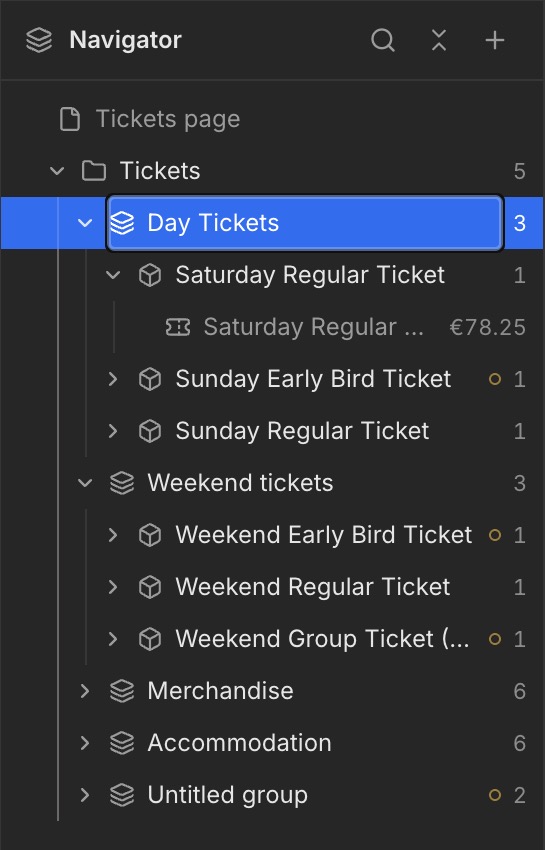
Select the Group in the Navigator. The screenshot below highlights this element in blue, showing exactly which level you are editing and the elements beneath it.
What is a Group?
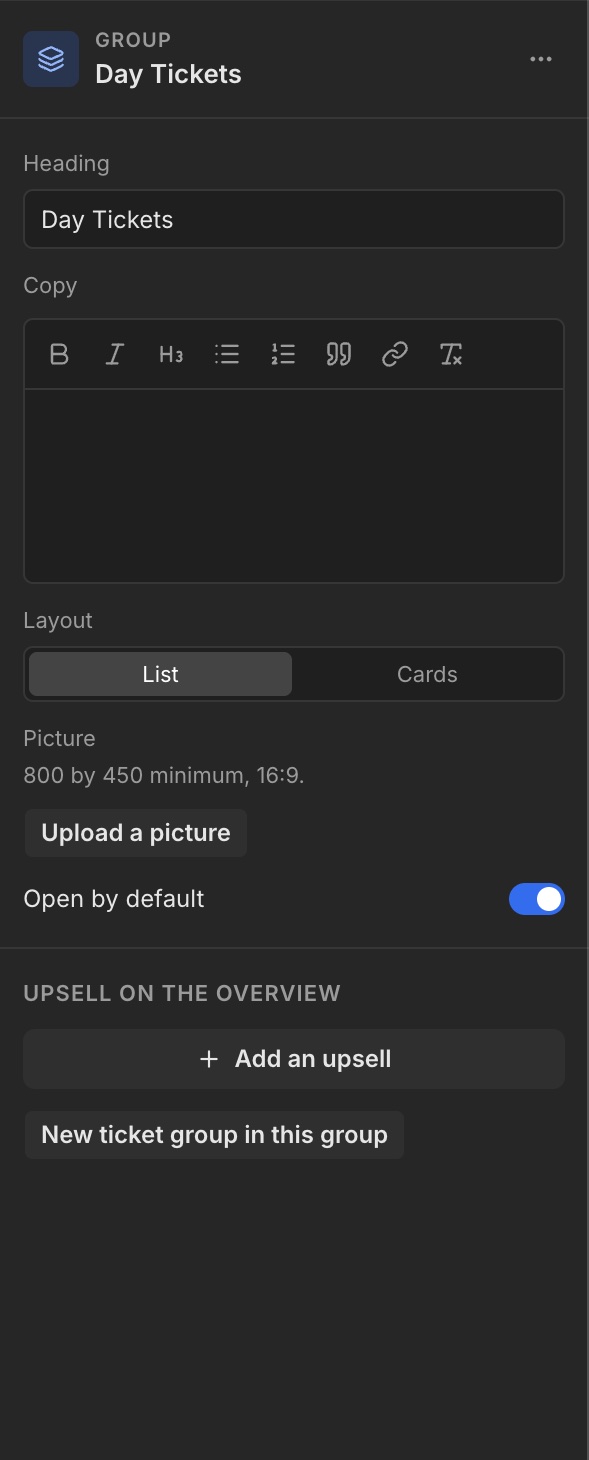
A Group is a section of related ticket groups, such as Day Tickets or Accommodation. Select it in the Navigator to open its settings.
Heading and copy
Use Heading to name the group. Add an explanation in Copy. Open by default controls whether the group is expanded initially.
Add a ticket group
Click New ticket group in this group to extend the group.