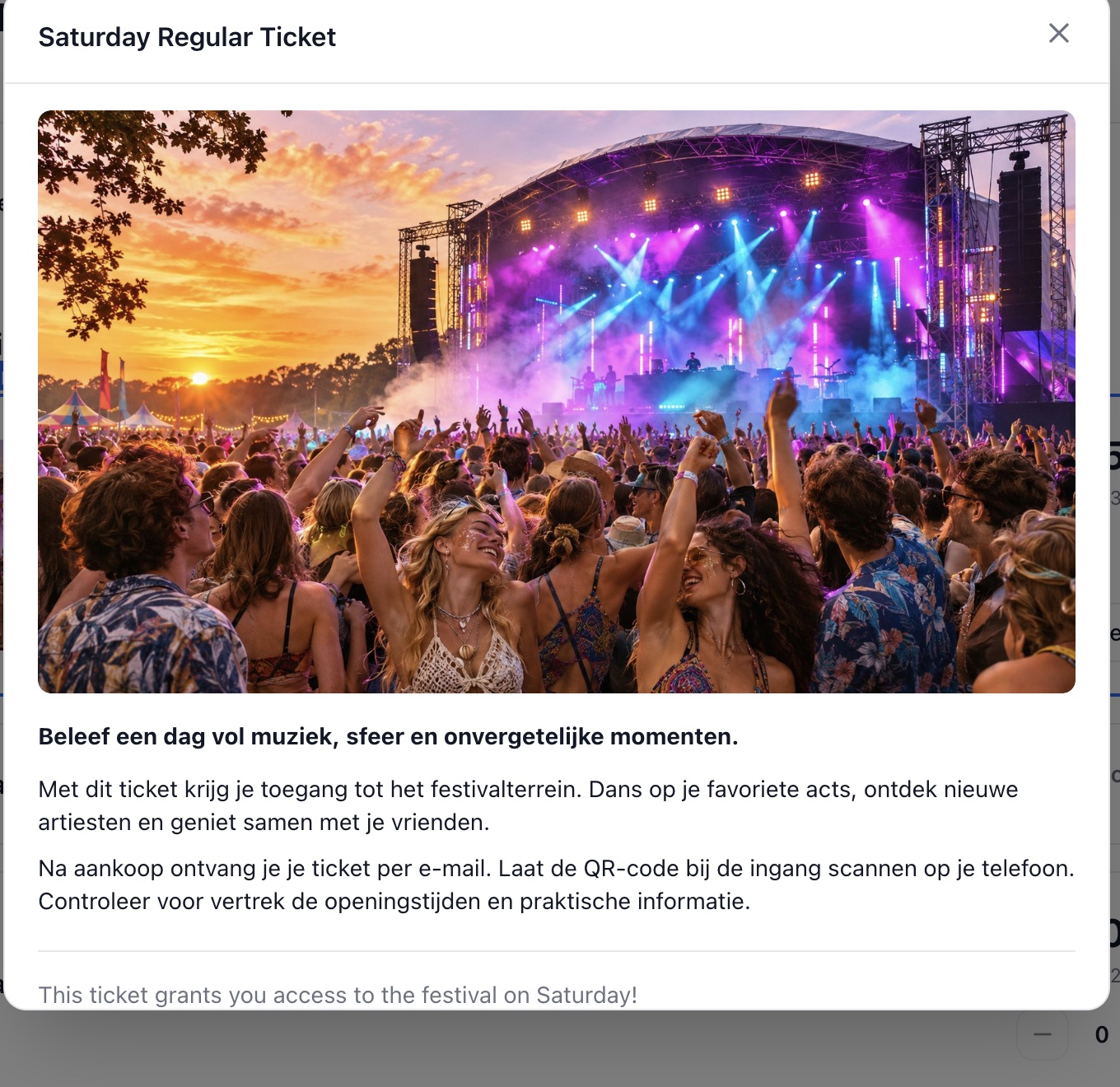
More info popup
Add detail while keeping your ticket overview concise.
Enable the popup
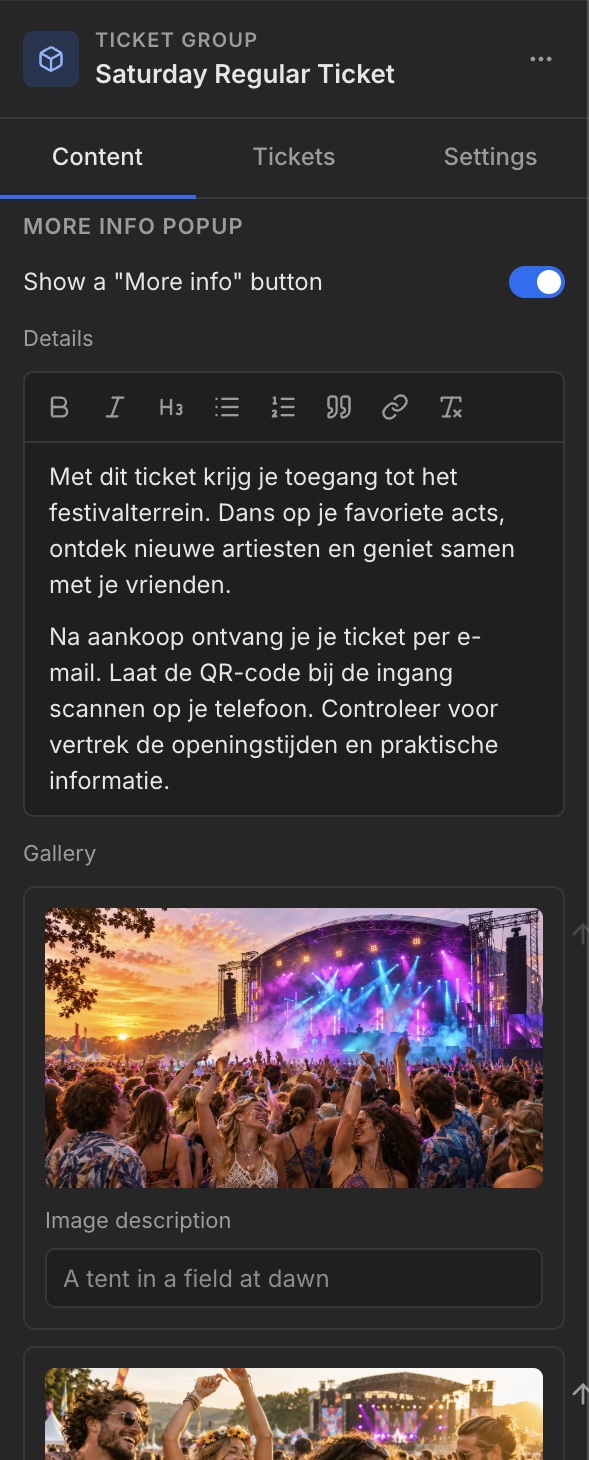
Select the Ticket group and open Content. Under More info popup, enable Show a “More info” button. Fill Details with the longer explanation of your offer.
Images and result
Add popup images under Gallery. Open More info in the shop to review the popup. Use the short Summary for the essentials and Details for additional information.