Category
Give a category a name and introduction.
Recognise it in the Navigator
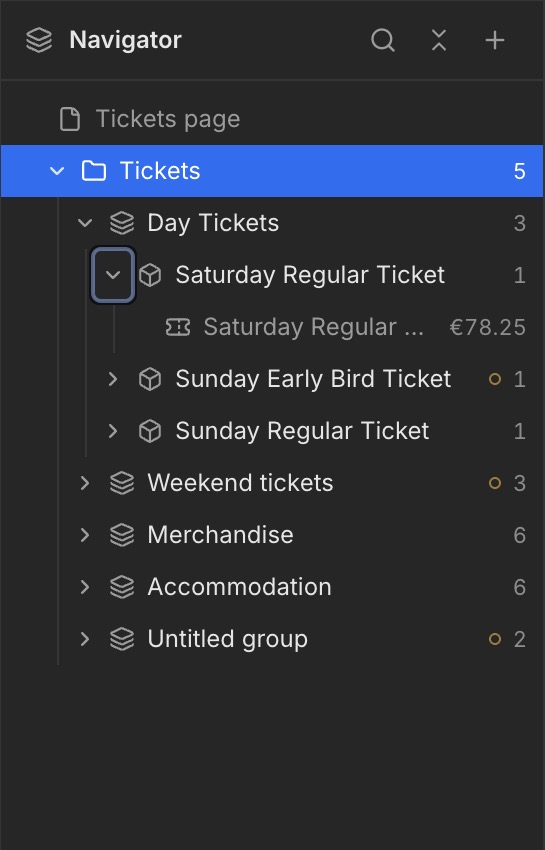
In this example, Tickets is the selected Category. The blue highlight in the Navigator shows which element you are editing. Beneath it are Groups such as Day Tickets and Weekend tickets.
What is a Category?
A Category brings groups together in your shop. In the example, the category is called Tickets and contains Day Tickets and Weekend tickets.
Edit content
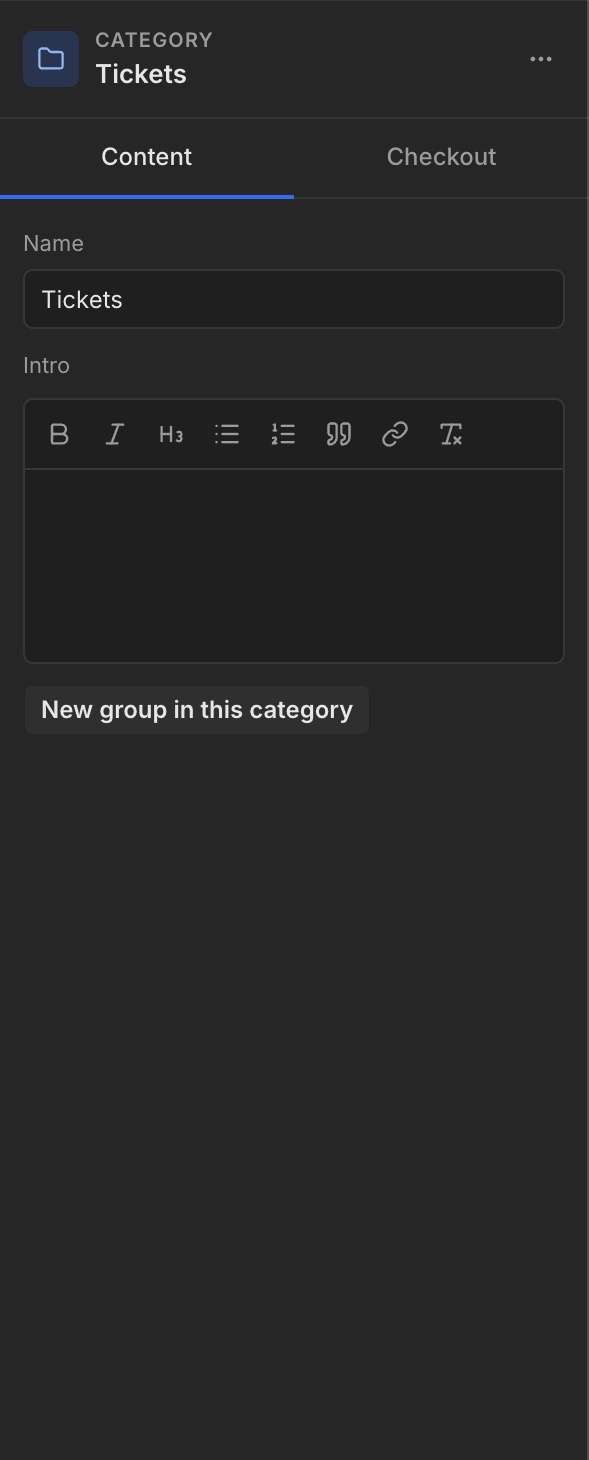
Select the category in the Navigator. Under Content, edit Name and Intro. Use New group in this category to add a group within the category.
Checkout
The Checkout tab sits next to Content. Open it to see the available settings for the selected category.