Navigator and ticket layers
Find the right element in your shop structure.
Elements in the Navigator
The Navigator shows the different elements in your design: Main Category, Category, Group and Ticket group. Select an element below to learn more.
Reading the layers
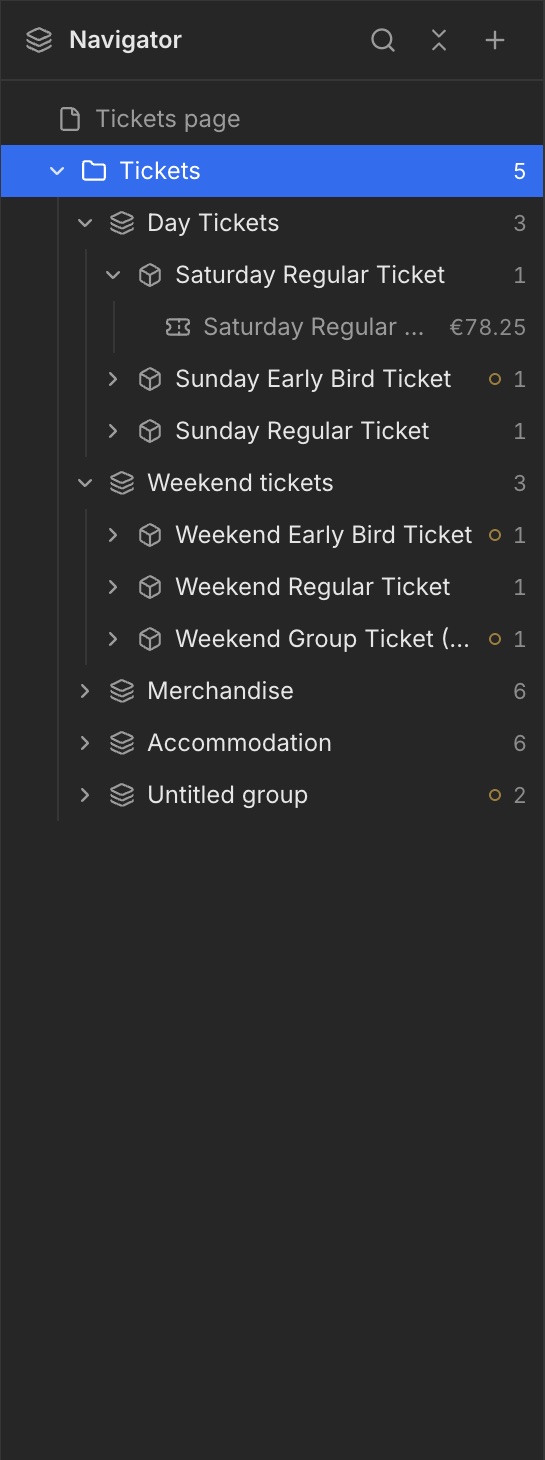
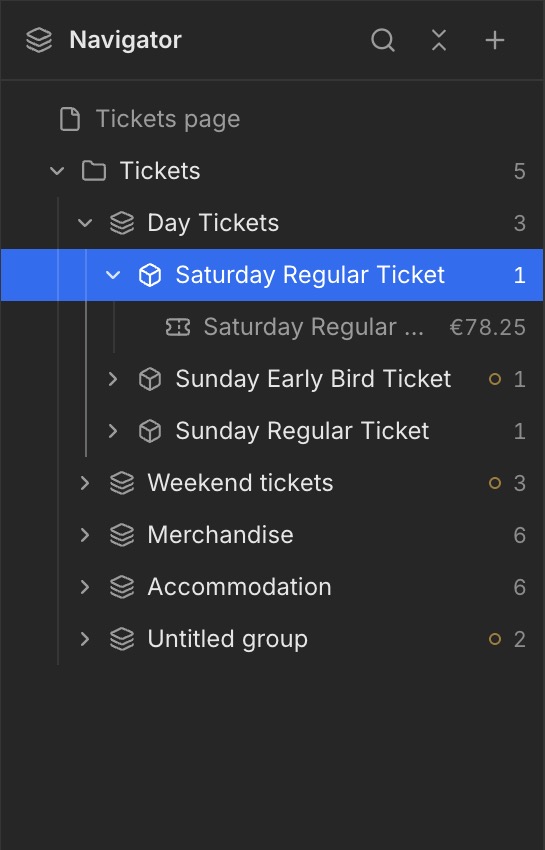
The Navigator shows how elements are nested. In the example, the Tickets Category contains the Day Tickets Group. Inside it is the Saturday Regular Ticket Ticket group, with the actual Weeztix ticket underneath.
Select an element
Use the arrow to expand or collapse a layer. Click its name to select it. The blue highlight shows what you are editing; its settings appear on the right.
Category: Tickets
Below, this element is selected in the Navigator. The blue highlight indicates the active layer.
Group: Day Tickets
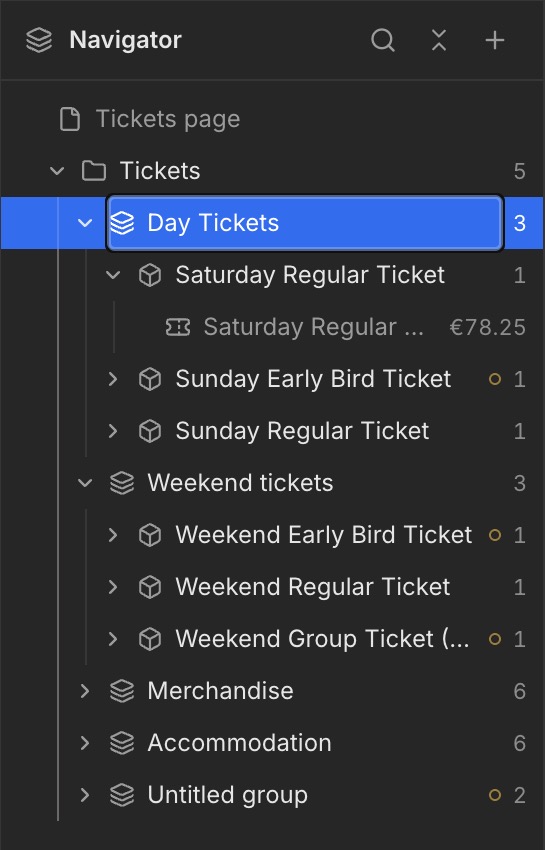
Below, this element is selected in the Navigator. The blue highlight indicates the active layer.
Ticket group: Saturday Regular Ticket
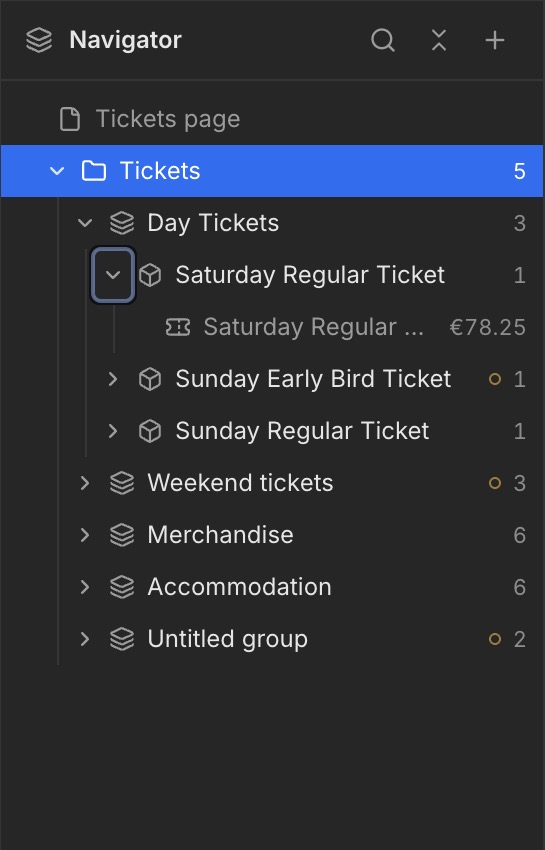
Below, this element is selected in the Navigator. The blue highlight indicates the active layer.
Ticket: the deepest layer
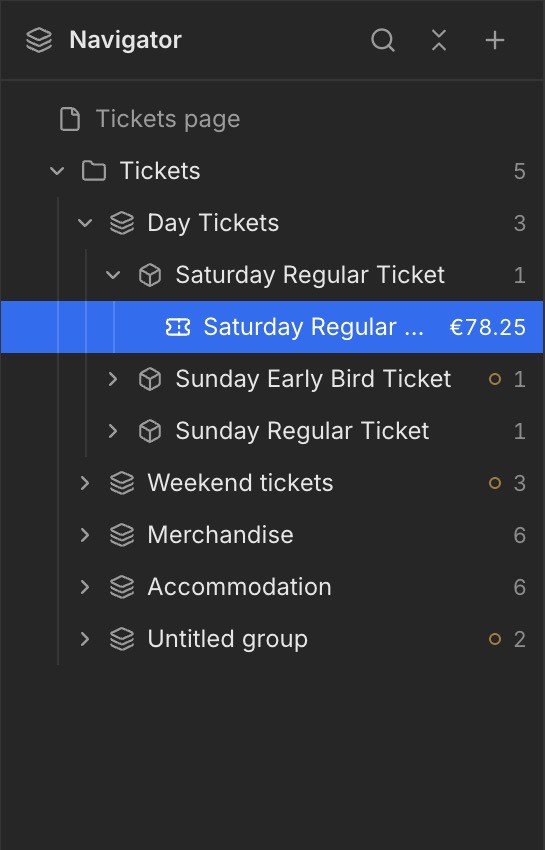
Expand a Ticket group and select the ticket beneath it. In this example, the individual Saturday Regular Ticket is highlighted in blue. This is the linked Weeztix ticket within the Ticket group.