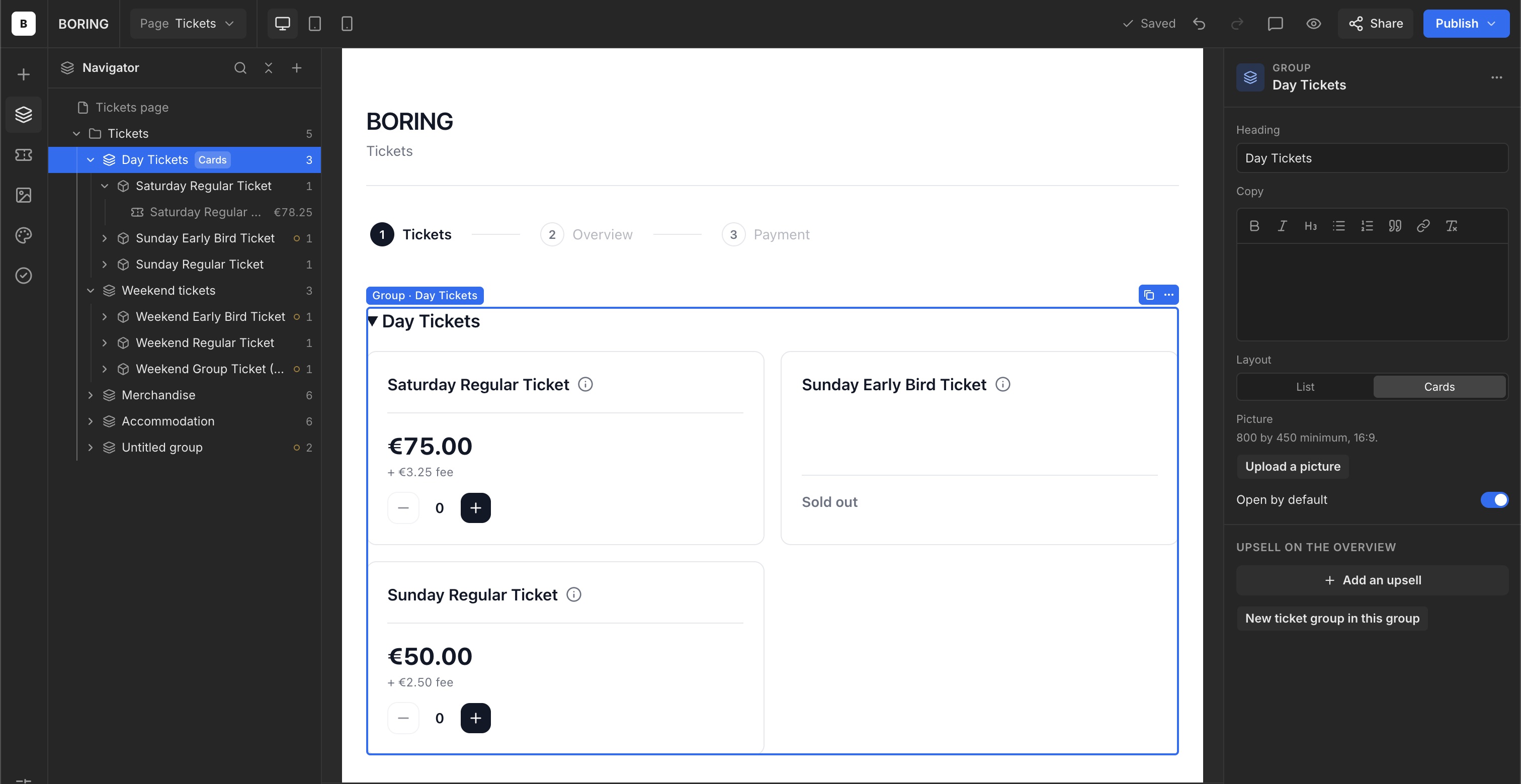
List or cards
Choose how ticket groups appear within a group.
List and Cards
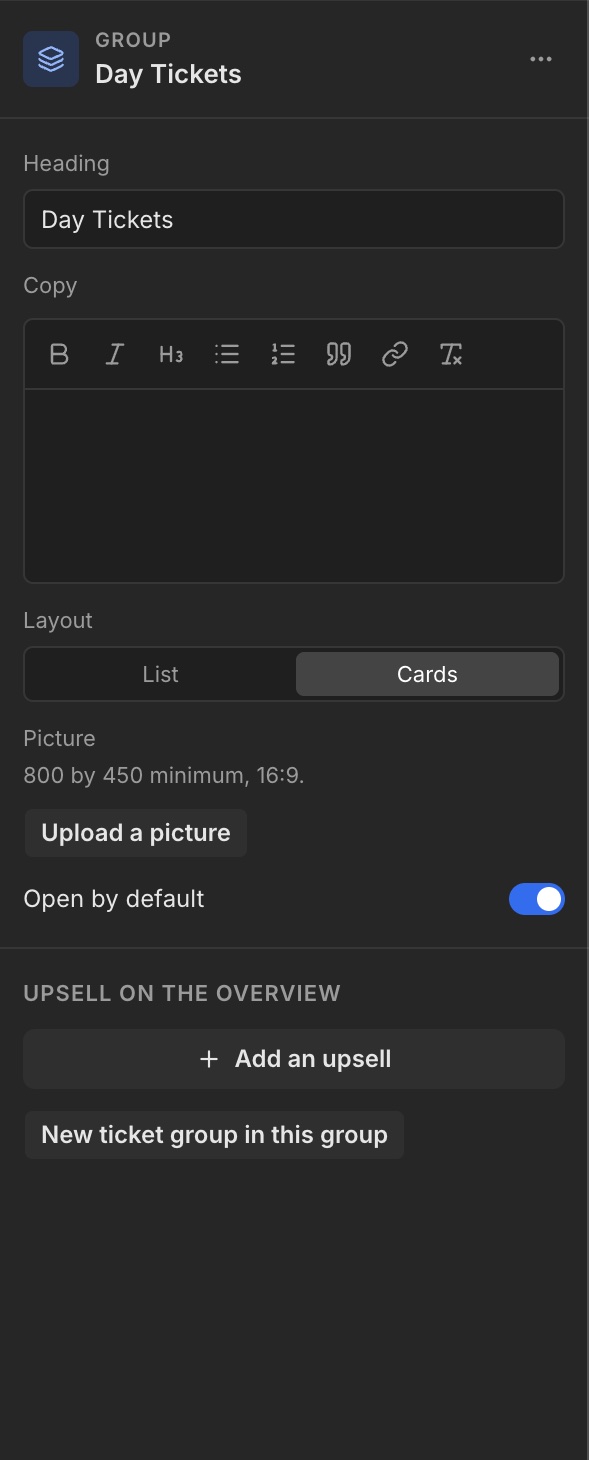
Select a Group. Under Layout on the right, choose List or Cards. List displays ticket groups vertically. Cards places them next to each other when the screen width allows.
Check the result
Review the result in the centre of the editor. Switch to the mobile preview too, to check how cards and text fit.